![favicon_GI.png]](https://knowledge.gantner-instruments.com/hs-fs/hubfs/favicon_GI.png?width=40&height=40&name=favicon_GI.png)
DIAdem is an application software from NI used for post-processing measurement data. DataPlugins allow you to read, inspect, and search various custom file formats with DIAdem NAVIGATOR.
NI has released free downloadable DataPlugins for popular file formats, including Gantner Instruments' Universal Data Bin File (UDBF) format. UDBF is the default binary data format (with the *.dat extension) used for data logging on devices or with GI.bench.
You can download the UDBF DataPlugin here. Backup link here.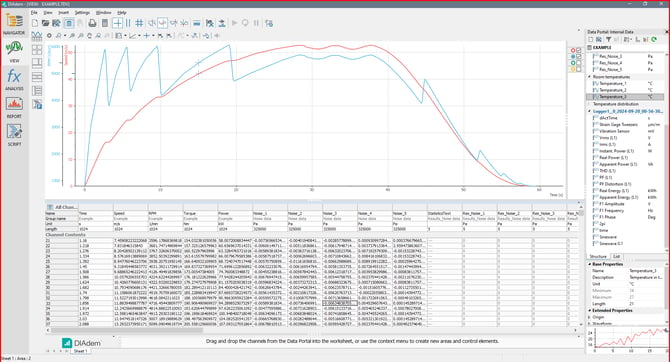 Example with DIAdem 2024 Q2
For more information on using DataPlugins with DIAdem, visit the NI support website.
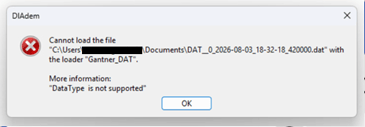
For newer Q.station firmware the UDBF format has changed. This can potentially cause a data type not supported error when reading the .dat file with the plugin.
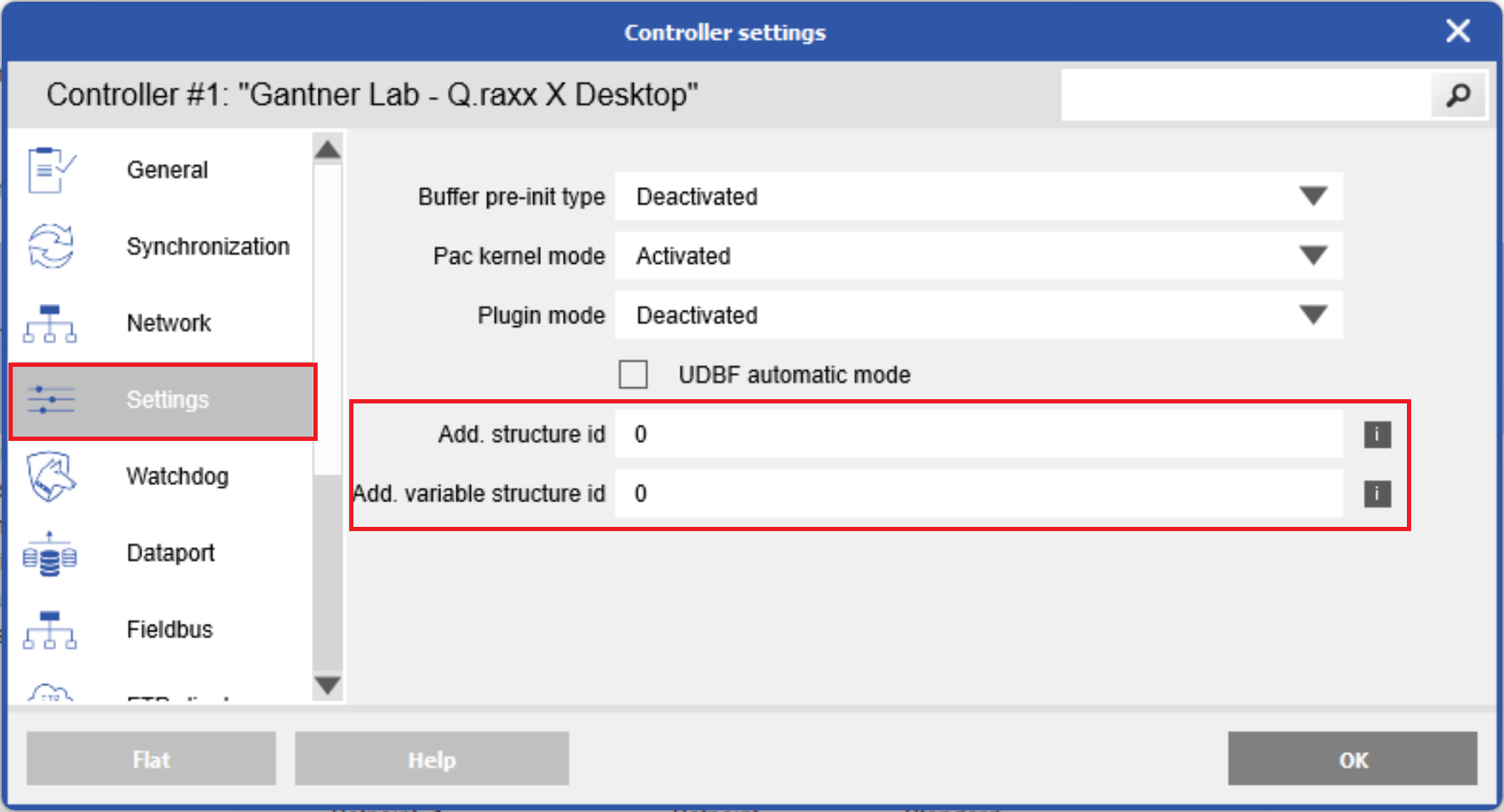
To make the UDBF format compatible, go to the Controller settings in GI.bench. In the Settings section, uncheck UDBF automatic mode. Set both structure id and variable structure id to 0. Write changes to controller.