-
Create an app password for your gmail account. This requires 2-factor authentication to be enabled. See bottom section of article: https://knowledge.gantner-instruments.com/email-logging
-
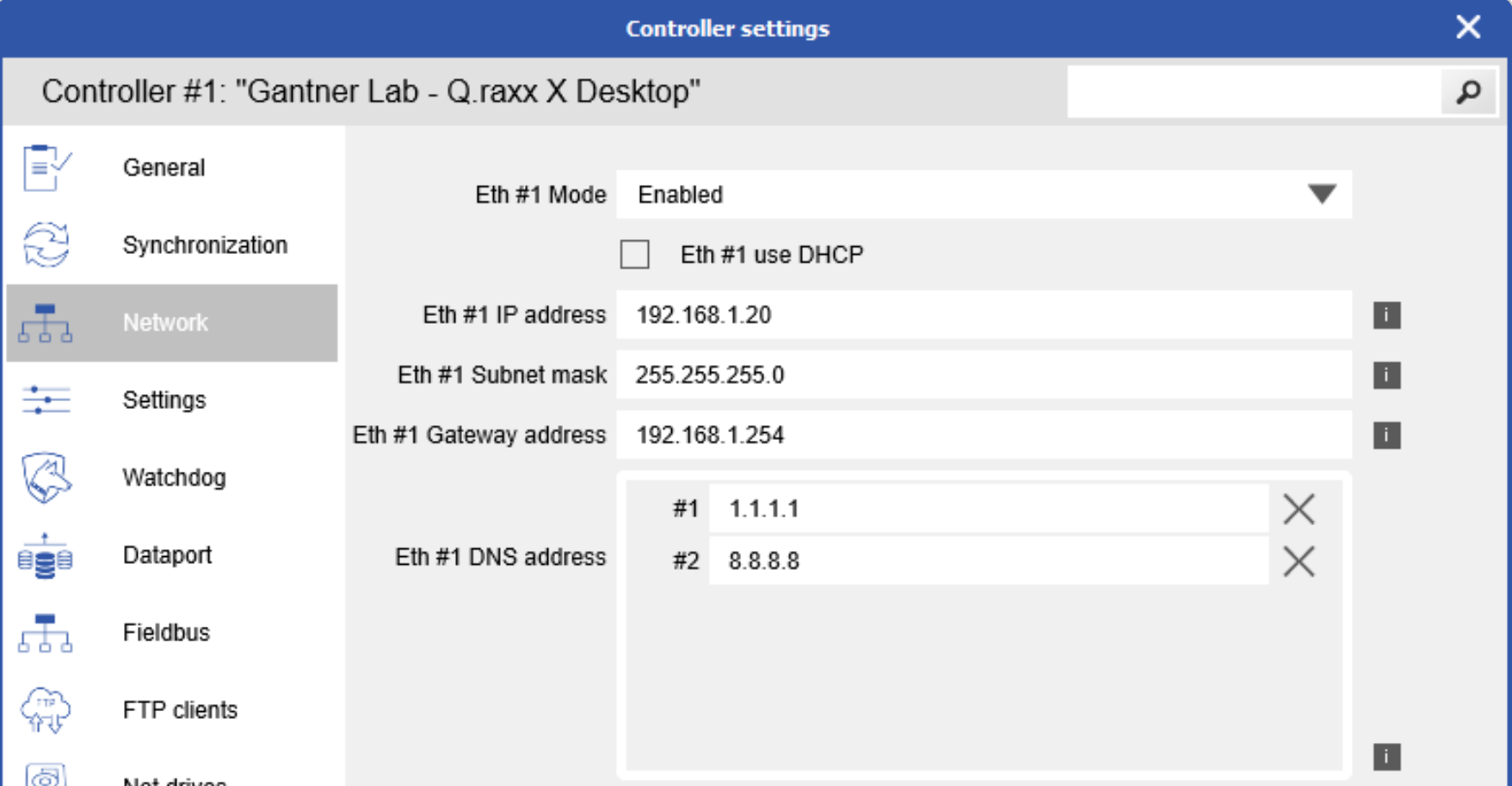
It might be necessary to configure the DNS settings in the Q.station controller settings in GI.bench. I added 1.1.1.1 and 8.8.8.8. Write those changes to the Q.station.
-
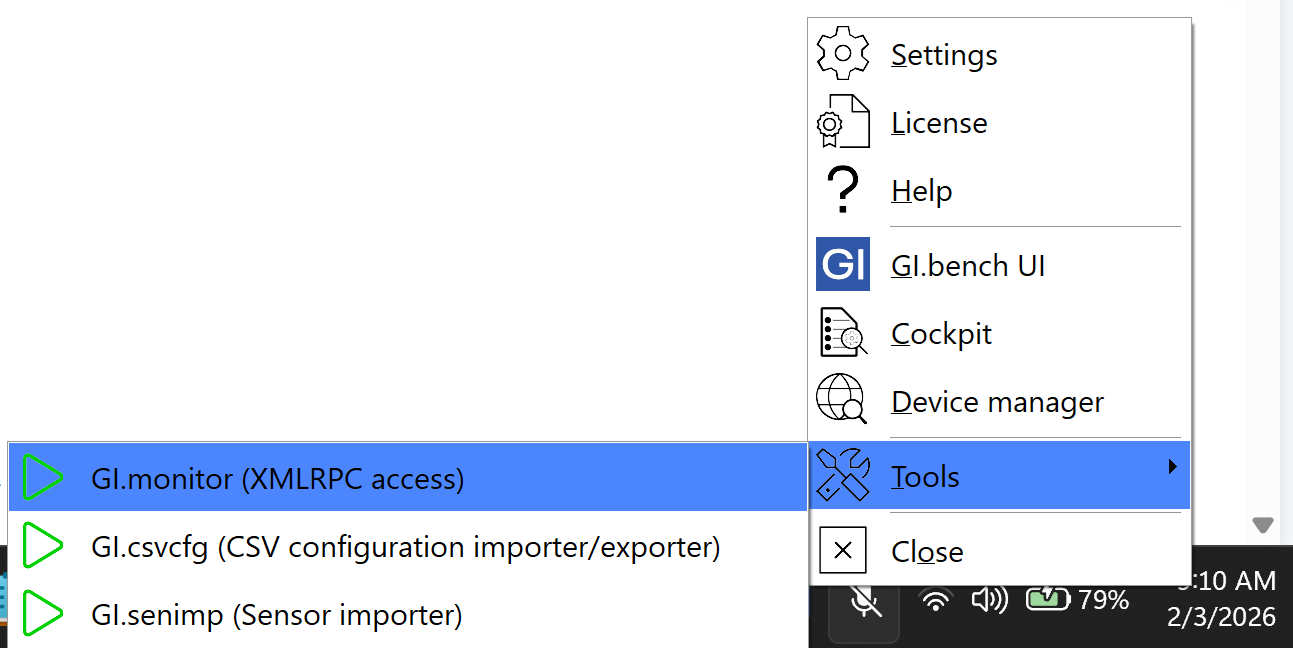
Run GI.monitor tool: right-click GI icon in PC toolbar > Tools > GI.monitor
-
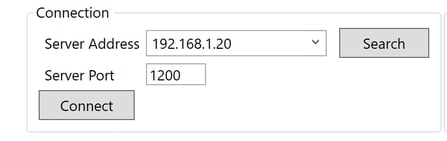
At the Connection section at the top-right, enter Q.station’s IP address, port 1200, then click Connect.
-
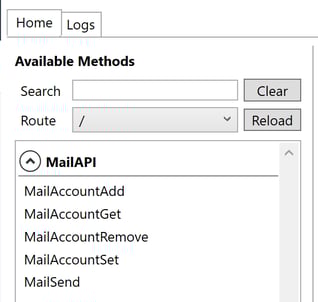
On the left side window, scroll down to the MailAPI section.
-
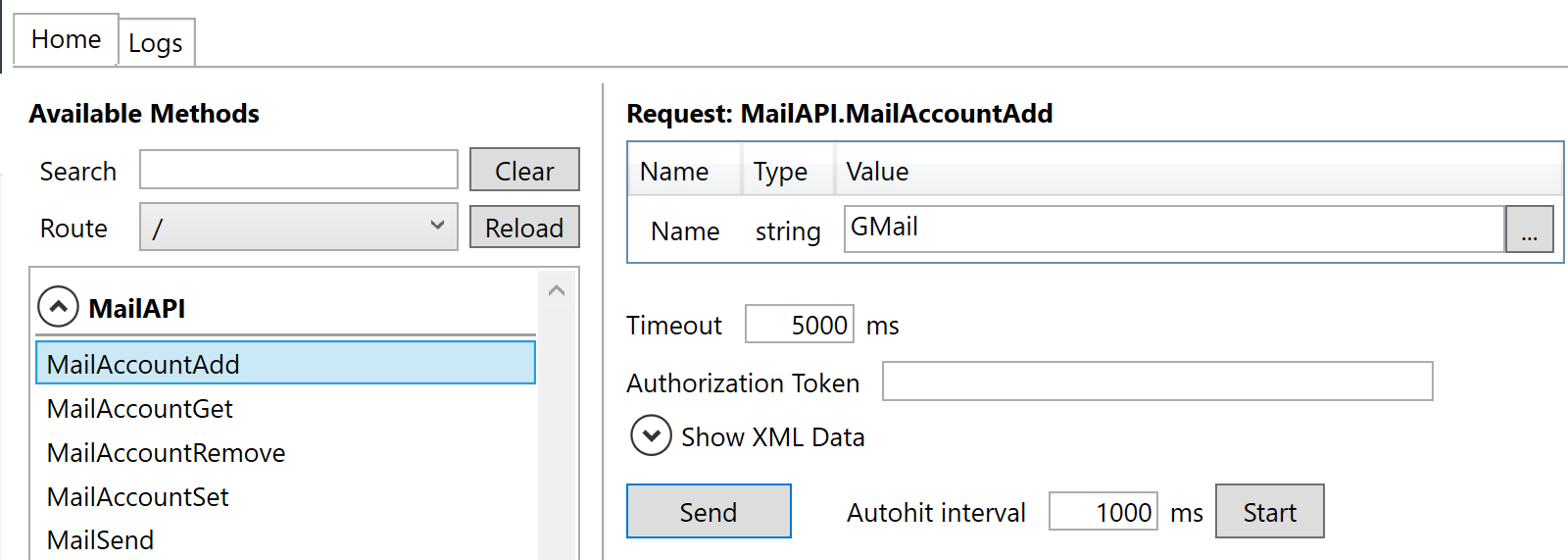
Select MailAccountAdd. Leave the default “GMail” string and click Send.
-
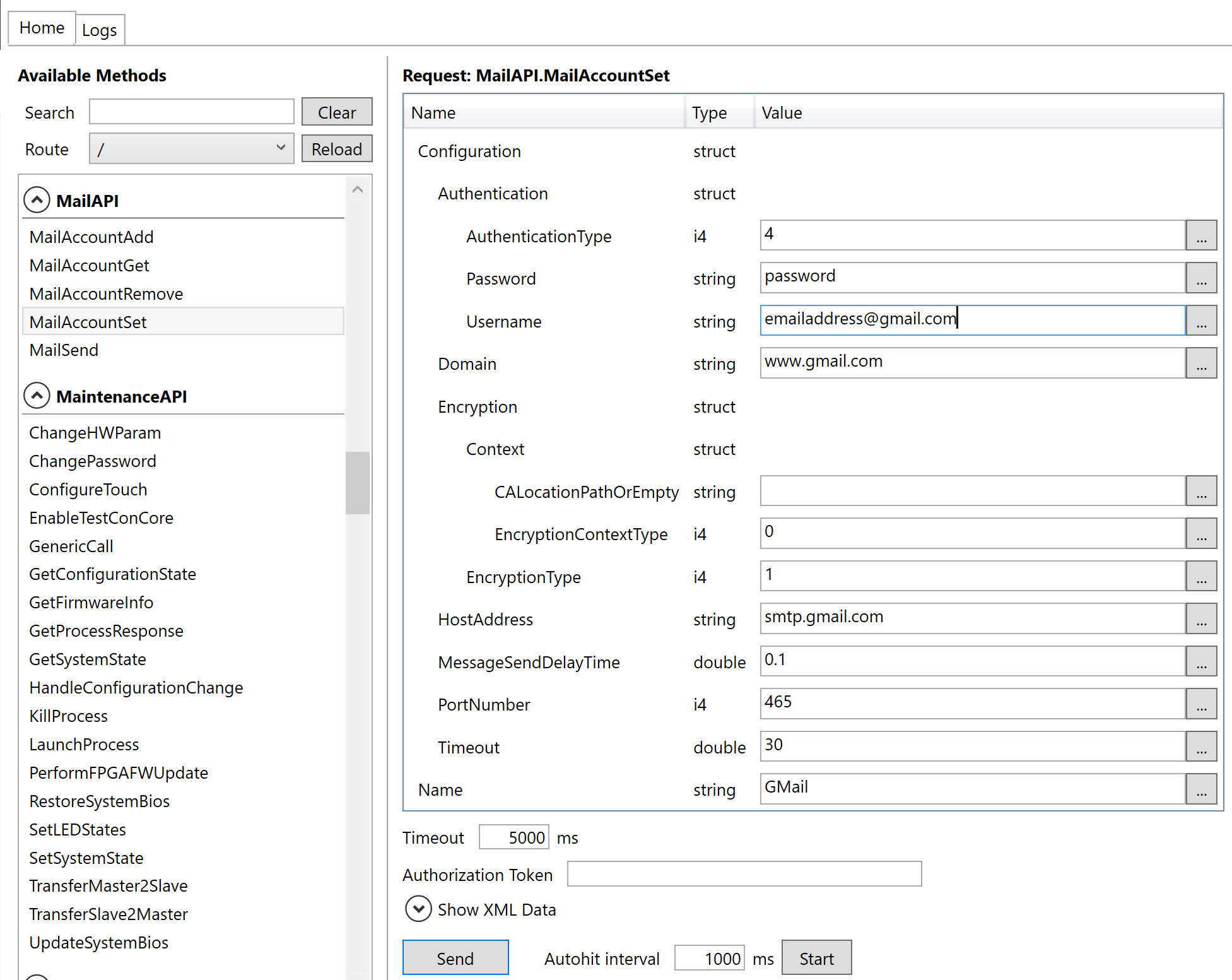
Select MailAccountSet. Enter 16 character password that was generated (no spaces) for the password, full email address for the username. Click Send. If there was any issue, it will response with a failed to configure message.
-
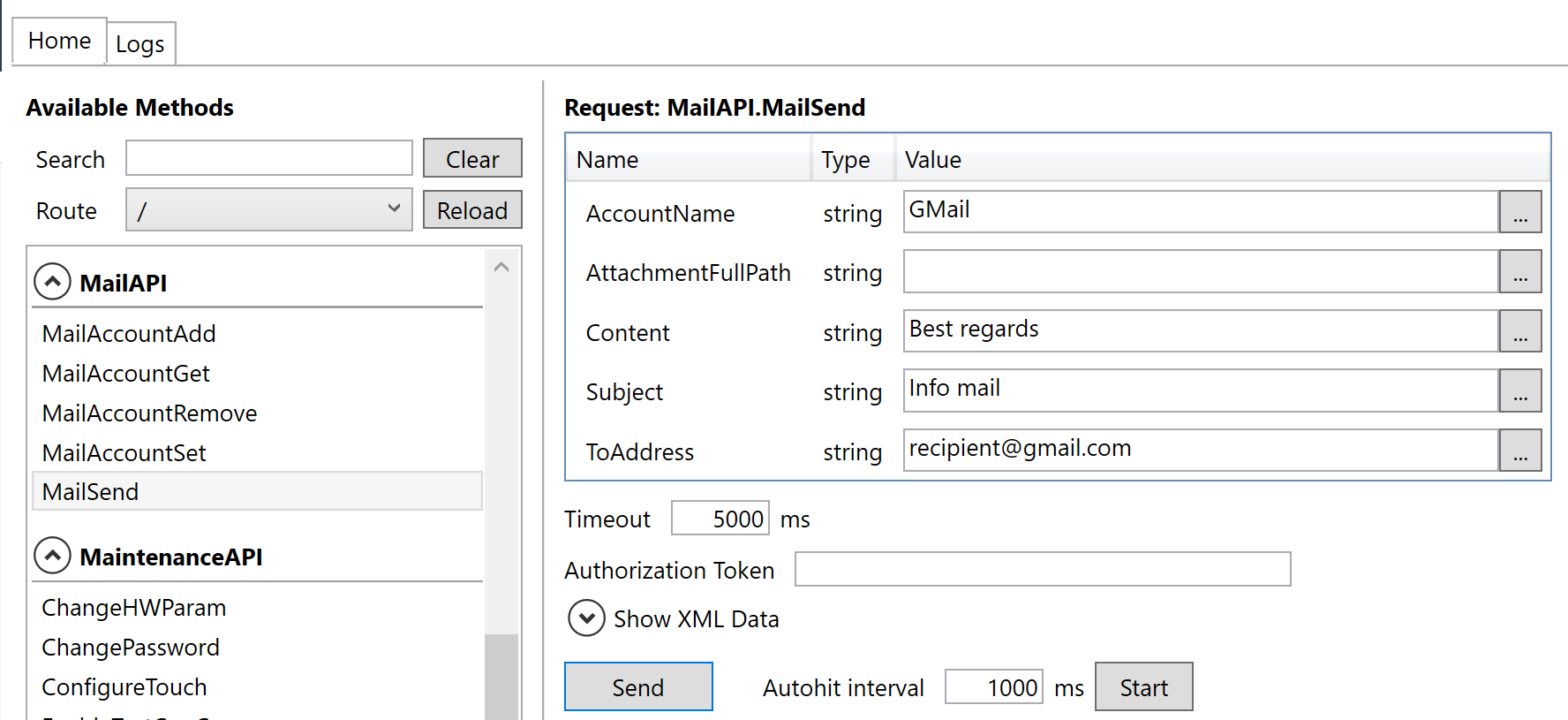
You can send a test email by sending using MailSend
-
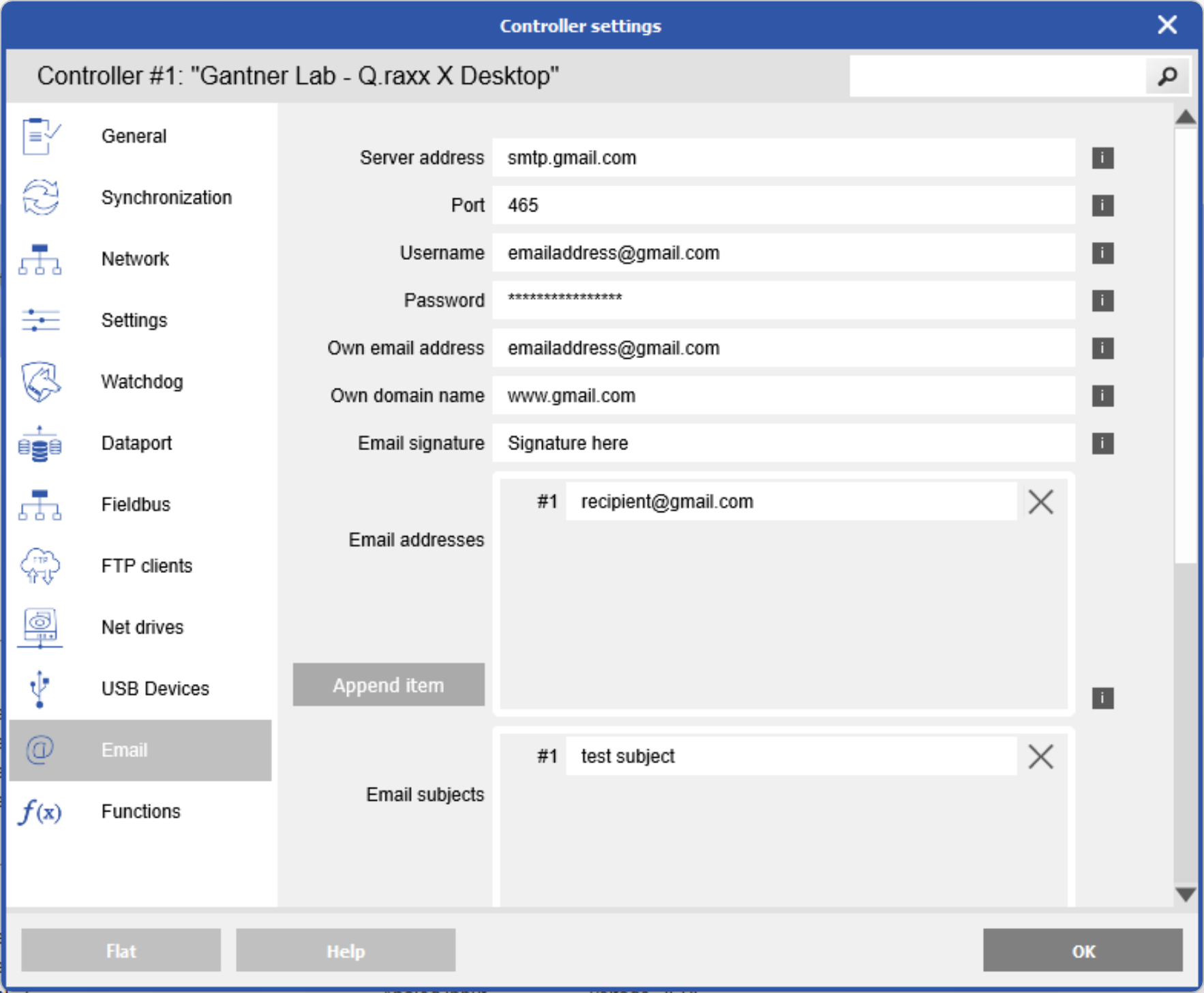
Assuming the test email was successful, go back to GI.bench > controller settings > Email. Enter same info here.
-
Enable send email in the data logger
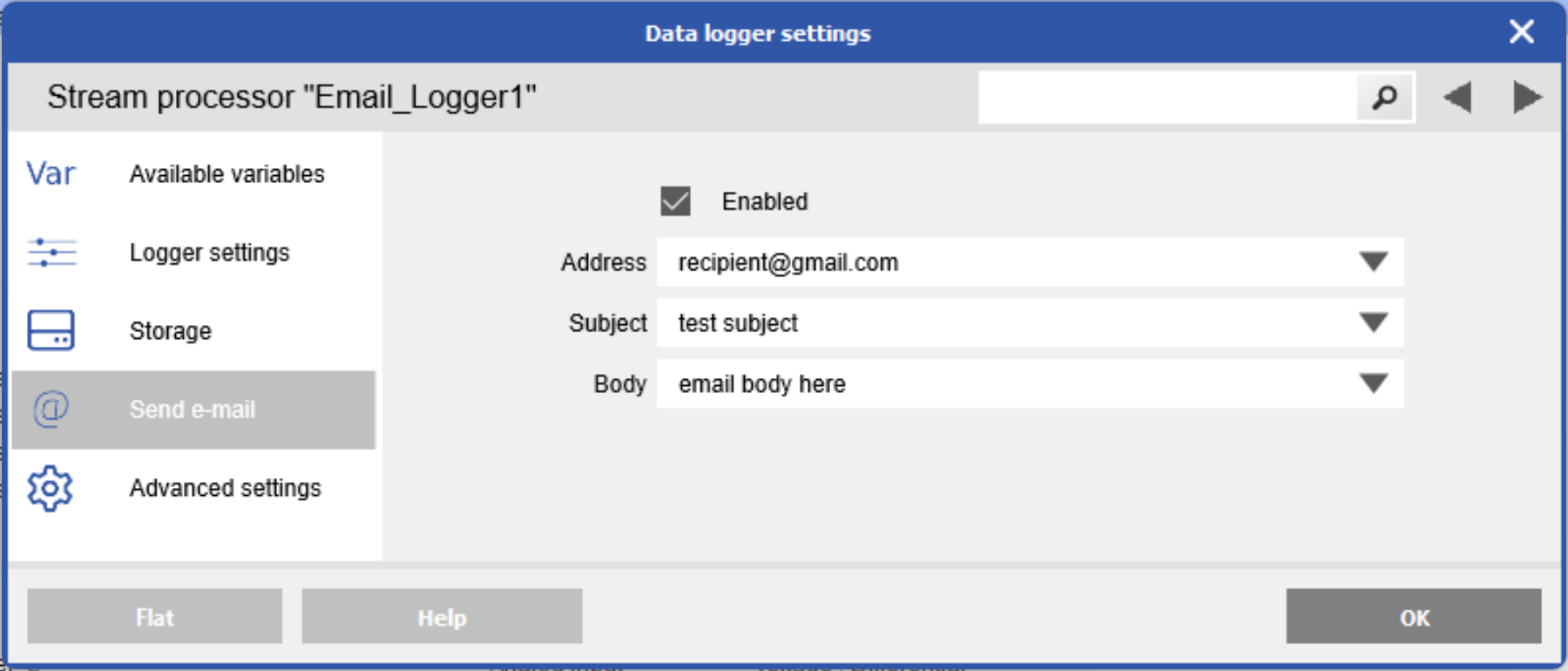
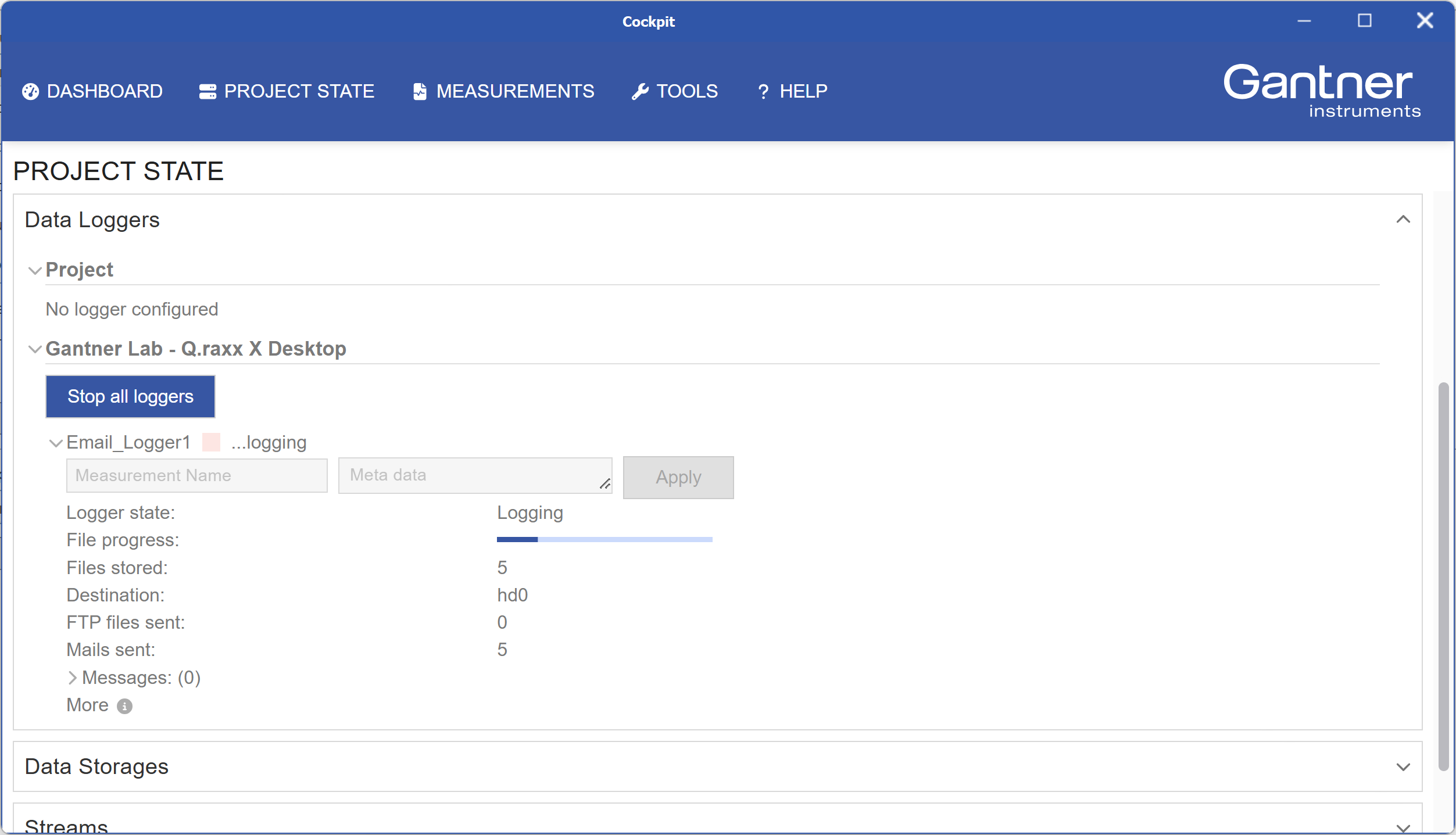
In the cockpit overview it should show mails being sent
Example with attached data file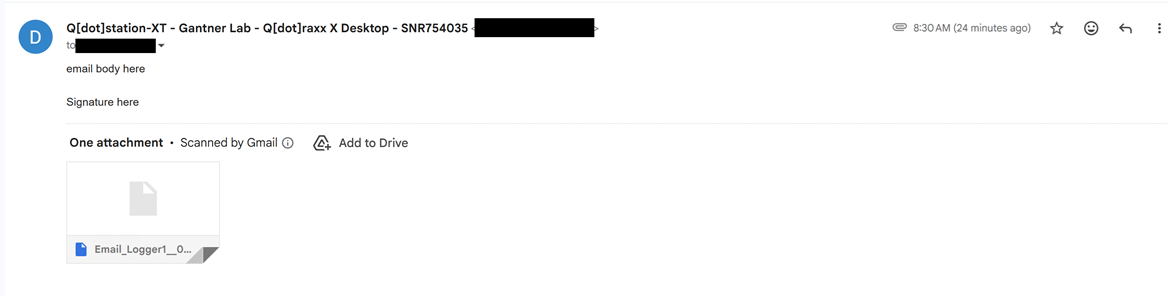
English
![favicon_GI.png]](https://knowledge.gantner-instruments.com/hs-fs/hubfs/favicon_GI.png?width=40&height=40&name=favicon_GI.png)